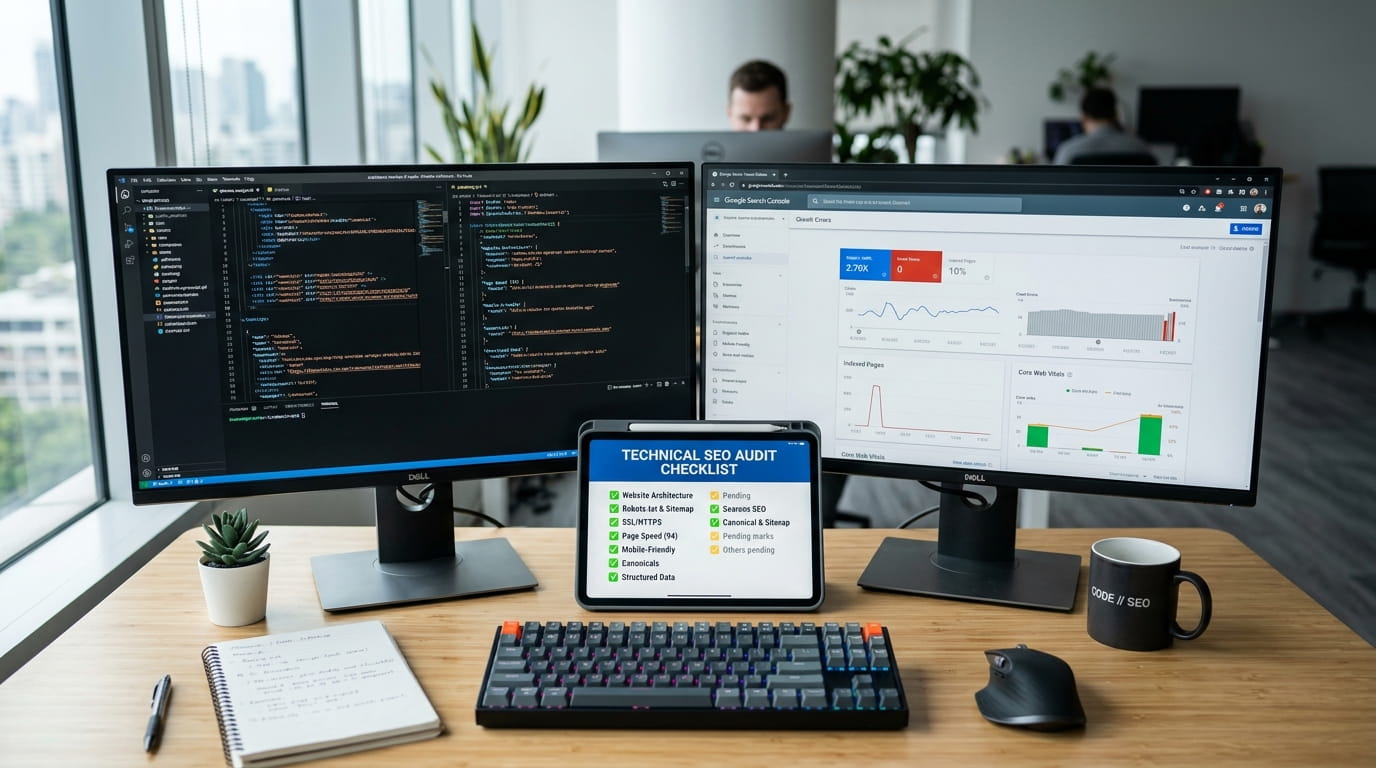

If you’ve ever shipped a feature, watched Lighthouse scores tank, and thought “I’ll do a technical SEO audit later” — you’re not alone. Most developers treat technical SEO like a chore that someone else should handle. But here’s the thing: nobody understands a website’s plumbing better than the person who built it. Marketers can write meta descriptions all day, but they can’t fix a render-blocking script or a broken canonical tag. That’s on us.
This checklist isn’t another generic “add alt text to images” listicle. It’s written from the perspective of someone who actually opens DevTools, reads server logs, and debugs why Google isn’t indexing a page that clearly works fine in the browser. Let’s get into it.
Table of Contents
1. Start With Crawlability, Not Rankings
Before worrying about keywords, make sure Googlebot can actually reach your pages. This sounds obvious, but it’s the single most common technical SEO failure I see in dev-built sites.
- Check
robots.txtfor accidental blanket disallows (a leftoverDisallow: /from staging is more common than you’d think) - Verify your XML sitemap is valid, up to date, and actually submitted in Google Search Console
- Use the URL Inspection tool in GSC to confirm important pages are indexed
- Watch out for orphaned pages — pages with no internal links pointing to them are nearly invisible to crawlers
If you’re not 100% sure your robots.txt is doing what you think it’s doing, don’t guess. A tool like ToolsAid’s Robots.txt Generator makes it easy to build or validate the file directly in your browser, without risking a typo that accidentally blocks your entire site from crawling.
2. Audit Your Site’s Rendering Path
If you’re working with React, Vue, or any JS-heavy framework, this is where things usually break. Googlebot does render JavaScript, but it’s not instant, and it’s not always reliable.
- Test with Google’s “URL Inspection” → “View Crawled Page” to see what Googlebot actually rendered
- Consider server-side rendering (SSR) or static generation for critical content-heavy pages
- Avoid putting essential content behind client-side-only fetches with no fallback HTML
- Check that hydration doesn’t shift layout dramatically (this hits both SEO and Core Web Vitals)
3. Core Web Vitals Are Non-Negotiable
Google has made performance a ranking signal, and developers are the ones who can actually move these numbers. Marketing teams can suggest “make it faster,” but you’re the one debugging the waterfall chart.
- LCP (Largest Contentful Paint): compress and lazy-load images, preconnect to critical origins, avoid layout-blocking fonts
- INP (Interaction to Next Paint): break up long JavaScript tasks, defer non-critical scripts
- CLS (Cumulative Layout Shift): always set width/height on images and embeds, avoid injecting content above existing elements
Run a real audit instead of guessing. If you want a fast, no-upload way to check basic on-page SEO signals without installing anything, a tool like ToolsAid’s SEO Checker can quickly flag missing meta tags, heading structure issues, and other on-page problems directly in your browser.
4. Fix Duplicate Content and Canonicalization Issues
This is sneaky because it often doesn’t look broken — it just quietly dilutes ranking signals.
- Make sure every page has a single, correct
<link rel="canonical">tag - Check for both
httpvshttpsandwwwvs non-wwwversions resolving to one canonical URL - Watch for URL parameters (filters, sorting, tracking params) creating duplicate indexable pages
- Use 301 redirects, not 302, for permanent URL changes

5. Structured Data: Speak Google’s Language
Schema markup isn’t magic, but it does help search engines understand context, and it can unlock rich results.
- Implement JSON-LD for Article, Product, FAQ, or Breadcrumb schema depending on content type
- Validate everything with Google’s Rich Results Test before pushing to production
- Don’t mark up content that isn’t visible to users — that’s a quick way to get a manual penalty
Writing JSON-LD by hand is tedious and easy to get wrong (one missing comma and the whole block silently fails validation). ToolsAid’s Schema Markup Generator lets you build valid structured data for common types like Article, Product, and FAQ without memorizing the schema.org spec.
6. Mobile-First Isn’t Optional Anymore
Google indexes the mobile version of your site by default. If your mobile experience is an afterthought, your rankings will reflect that.
- Test with actual mobile devices, not just a resized browser window
- Check tap target sizes and font legibility without zooming
- Make sure mobile and desktop versions serve the same content and structured data
7. Internal Linking Structure
Internal links are how authority and crawl priority flow through your site. A flat, disorganized link structure confuses both users and crawlers.
- Build a logical hierarchy: homepage → category pages → individual content pages
- Use descriptive anchor text instead of generic “click here” links
- Audit for broken internal links regularly — a 404 buried three clicks deep still hurts
8. HTTP Status Codes and Redirect Chains
Redirect chains are a silent killer of crawl budget and page speed. I’ve seen sites with five-hop redirect chains that nobody noticed for years.
- Audit redirects and flatten chains to a single hop wherever possible
- Make sure 404 pages actually return a 404 status, not a 200 with “page not found” text
- Check for soft 404s — pages that look empty but return a 200 status
9. Meta Tags Still Matter (Even in 2026)
It’s easy to assume meta tags are a solved problem, but on real codebases I still see missing title tags on dynamic routes, duplicate meta descriptions across product pages, and Open Graph tags that were copy-pasted once and never updated.
- Every indexable page should have a unique, descriptive title tag and meta description
- Keep title tags under roughly 60 characters so they don’t get truncated in search results
- Don’t forget Open Graph and Twitter Card tags — they control how your pages look when shared on social platforms
For dynamic or templated pages, generating consistent meta tags by hand across dozens of routes gets messy fast. ToolsAid’s Meta Tag Generator helps you quickly produce clean, properly formatted title, description, and Open Graph tags you can drop straight into your templates.
10. Security and HTTPS Implementation
HTTPS has been a baseline ranking factor for years, but implementation details still trip people up.
- Confirm there’s no mixed content (HTTP resources loading on an HTTPS page)
- Check certificate validity and renewal automation
- Make sure HSTS is configured correctly if you’re using it
11. Log File Analysis (The Underrated Step)
Most SEO audits stop at tools like Search Console. But raw server logs tell you exactly how Googlebot is behaving on your site — what it’s crawling, how often, and what it’s ignoring.
- Identify pages Googlebot crawls frequently vs. pages it ignores
- Spot crawl budget waste on low-value URLs (filters, pagination, duplicate params)
- Confirm bot traffic patterns match your sitemap priorities
Putting It All Together
Technical SEO isn’t a one-time checklist you complete and forget. It’s closer to code maintenance — something that needs revisiting every time you ship a major change, migrate a framework, or redesign a template. The good news is that as a developer, you’re already equipped with the exact skills needed to fix most of these issues yourself: reading network requests, debugging render paths, and understanding how servers respond to requests.
Start small. Pick three items from this list that you haven’t checked in the last six months, and audit them this week. Technical SEO debt compounds quietly, but so does the payoff when you clean it up.
Frequently Asked Questions
What is a technical SEO audit?
A technical SEO audit is a review of a website’s infrastructure — crawlability, indexability, site speed, structured data, redirects, and security — to make sure search engines can properly access, render, and rank its pages. Unlike content or keyword audits, it focuses on the underlying code and server behavior rather than the words on the page.
How often should developers run a technical SEO audit?
For most active sites, a full audit every quarter is reasonable, with quick checks after any major release, framework migration, or redesign. High-traffic or e-commerce sites often benefit from monthly spot-checks on crawl errors and Core Web Vitals.
Can poor technical SEO hurt rankings even with great content?
Yes. If search engines can’t crawl, render, or properly index a page, the quality of the content on it becomes irrelevant — Google simply doesn’t see it the way users do. Technical issues like blocked resources, broken canonicals, or slow load times can suppress rankings regardless of content quality.
Do I need structured data (schema markup) for SEO?
Structured data isn’t a direct ranking factor, but it helps search engines understand your content’s context and can unlock rich results like star ratings, FAQ dropdowns, or breadcrumbs in search listings, which often improve click-through rates.
What’s the easiest technical SEO fix with the biggest impact?
Fixing crawlability issues — like an overly restrictive robots.txt, missing sitemap, or broken canonical tags — tends to offer the fastest, highest-impact wins, since these issues can prevent otherwise great pages from being indexed at all.